






If someone is ready to buy a replacement part or a one-off gift, asking them to become a registered customer creates another decision before they can pay. Sometimes that account is necessary. Sometimes your shop is simply asking for it because nobody has reviewed the checkout settings.
For a WooCommerce shop selling ordinary one-off products, our starting recommendation is to offer guest checkout, keep a clear route for existing customers to sign in, and make account creation optional where the product allows it. Subscriptions, memberships and restricted purchasing need a different decision.
The useful question is what the account does for this purchase. Work that out first, then check the settings and complete a real test journey. Changing a checkbox alone does not prove your checkout works.
What guest checkout actually changes
Guest checkout lets a customer place an order without creating a website user account. It does not mean buying anonymously or skipping the information needed to fulfil that order. WooCommerce’s Accounts and Privacy documentation confirms that guest orders are not attached to a WordPress user account.
Separate three things in your review: the details needed to process the purchase, a customer login, and any optional relationship you would like afterwards. An account should have a clear purpose, such as managing ongoing access. Wanting more registered customers is not, by itself, a good explanation for making every buyer register.
For example, a retailer selling a single replacement lampshade should consider whether the buyer needs anything beyond ordering, delivery and support. A retailer selling an ongoing replenishment subscription must also provide a dependable way to manage that continuing purchase.
When should an account be required?
One-off physical purchases
Consider guest checkout first when customers can receive and use the product without ongoing access to a member area. Keep returning customers’ login route available, but make the route for a new buyer easy to understand.
This is a recommendation to test on your shop, not a promised increase in sales. If trade approval, restricted pricing or another genuine business rule requires a verified account, document that requirement before changing anything. Check the extension or custom code enforcing it rather than assuming core WooCommerce controls the whole journey.
Subscriptions and memberships
WooCommerce’s account settings documentation states that subscription purchases still require an account. Allowing guest checkout for ordinary products does not remove that requirement.
With the official WooCommerce Memberships extension, access belongs to a customer account. Its Memberships FAQ explains that purchasing a product tied to a membership plan requires account creation or login, overriding guest-checkout settings.
Explain the account’s purpose before the final checkout stage. Then test an ordinary product, the account-dependent product, and a basket containing both. The ordinary basket passing is not evidence that the mixed basket works.
Downloadable products
A download does not automatically mean every purchaser needs an account. WooCommerce’s downloadable-product guide says that its Downloads require login setting applies to registered customers, not guest purchases. If every buyer must have an account, guest checkout must also be disabled.
Review the intended access model: a file delivered after purchase is different from ongoing account-based access. Test the order email and download link as well as payment, and ask your developer to check file protection separately. Requiring a login and protecting the underlying file are separate checks.
Review the account settings without redesigning checkout
Record the existing configuration and the intended outcome before making changes. Keep this review focused on account requirements; changing the checkout layout, payment integration and account behaviour together makes a failure harder to trace.
Under WooCommerce > Settings > Accounts & Privacy, review these controls against the current documentation linked above:
- Enable guest checkout: permits an order without creating an account.
- Enable log-in during checkout: provides a login route for existing customers.
- Account creation: review the separate options for creation after checkout, during checkout and on My account.
- Send password setup link: emails new users a link to set their password.
For a suitable one-off purchase, consider inviting the buyer to create an account after placing the order. Give that invitation a useful reason, rather than treating registration as another compulsory task. Verify that the invitation actually appears and that its email arrives.
Also establish whether your live checkout uses the Checkout block, the classic shortcode or an extension-controlled journey. WooCommerce’s Checkout block reference explains how its fields depend on store settings and the current order, and that payment integrations need block compatibility. Enabling guest checkout is not a reason to replace a working checkout implementation.
Can a guest customer find their orders later?
Check the installed WooCommerce version before answering this from memory. Current core behaviour includes a way to connect eligible past guest orders to an account after email confirmation.
The current customer email confirmation and guest order linking documentation describes the feature introduced in WooCommerce 11.0. Matching requires the order to remain assigned to Guest and its billing email to match the account’s current email. Orders already assigned to another registered customer are not moved.
The confirmation link lasts 24 hours and must be completed while signed in to the account that requested it. Since 11.1, the separate prompt is hidden when guest checkout or the confirmation email is disabled, or a temporary-password notice applies. Completing the emailed set-password link also confirms the address.
This means you should test the actual route rather than promise that every historical order will appear immediately after registration. For a missing order, check its assigned customer and billing email before changing records. Do not move an order between accounts just because somebody supplies an order number.
Test the complete journey as a customer
Use a staging copy and suitable test payment facilities for the first checks, then arrange a controlled live verification where needed. Start logged out in a fresh private browser session. Testing only while signed in as the administrator can hide the very requirement you are trying to assess.
- New guest, ordinary product. Complete the purchase without choosing account creation. Check that you can finish and that the order has the expected customer details without an unwanted account.
- Existing customer. Start logged out, use the checkout login route and confirm that the basket survives. Check that the completed order belongs to the intended account.
- Optional account creation. Follow the offered route, receive the setup email, set a password and sign in. Check the resulting order history.
- Account-dependent basket. If you sell subscriptions or memberships, confirm that the account requirement remains and that the buyer can finish registration and purchase.
- After purchase. Check confirmation emails, delivery information, any download access and the handover to your fulfilment or customer-service process.
Run the relevant journeys on a phone as well as desktop. Include an incorrect password and a correction to the email address: recovery should preserve the basket and make the next step clear. Record the browser, basket contents and point of failure so your developer can reproduce it.
If checkout fails after account details are accepted, investigate the actual error rather than repeatedly changing registration settings. Payment, address or extension failures need their own evidence. Our web development and integration work covers the functionality behind these connected journeys.
Measure completed orders, not just new registrations
Before changing the journey, choose a comparison period and note other changes that could affect it: promotions, traffic sources, product availability and delivery charges. Afterwards, compare completed purchases with checkout starts using a consistent measurement method.
Review account-related support requests alongside those figures. Are buyers struggling to reset passwords? Are guest customers asking where their order went? Are optional account invitations useful? These questions help identify the next repair without assuming every abandoned checkout was caused by registration.
A lower registration count is not necessarily a problem if buyers can complete suitable purchases and receive support. Equally, more accounts do not prove the checkout improved. Judge the change against successful orders, usable customer access and the work your team needs to do afterwards.
If you want help deciding which purchases should require an account, talk to BuzzBoost. We can review the customer journey, identify the settings and integrations involved, and agree a focused test before changes go live.
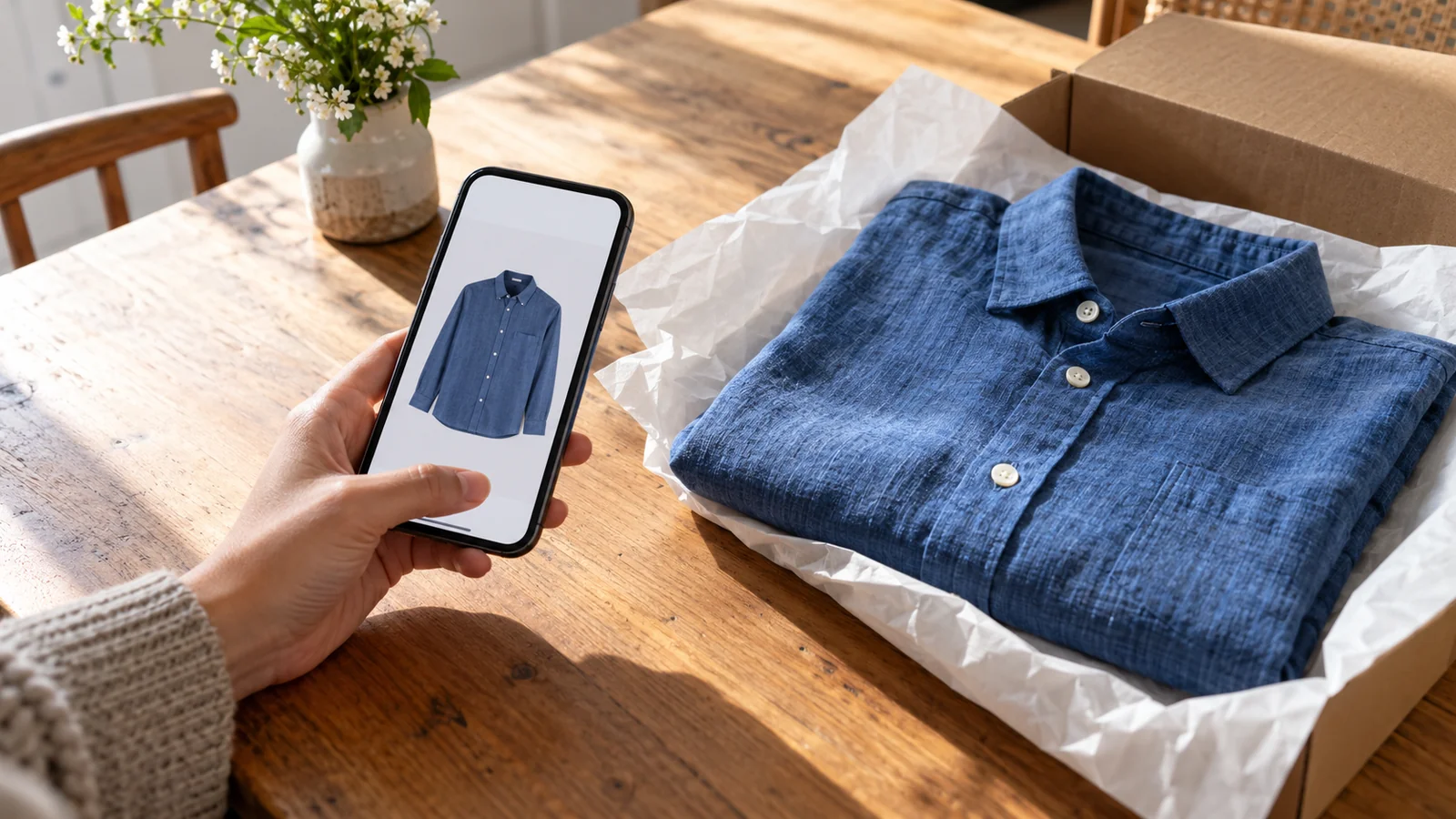
Featured image: AI-generated editorial artwork, not a photograph of a real BuzzBoost office, client or result.