







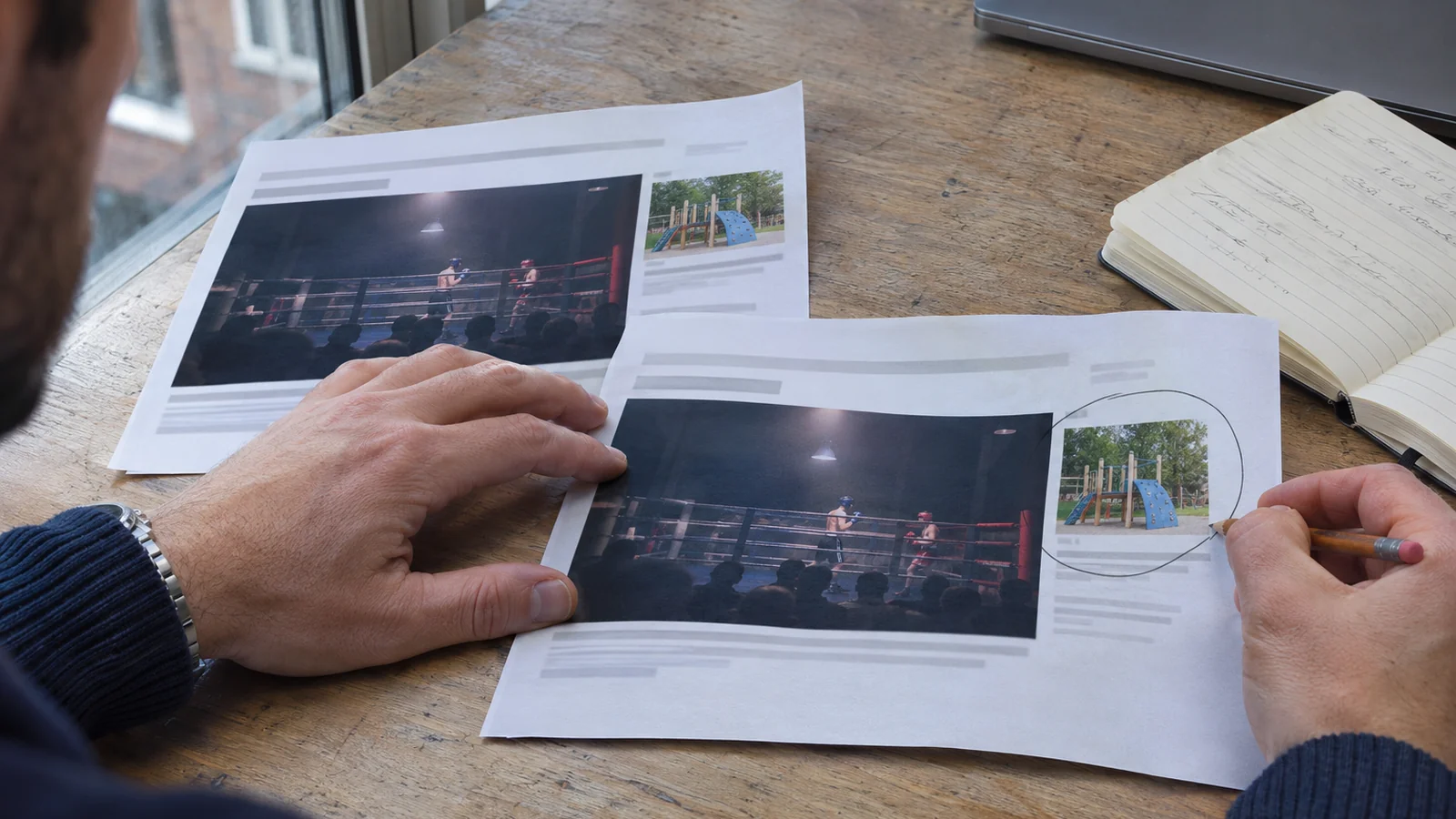

Finding your advert beside an unsuitable video or on a website you would never choose can undermine confidence in a campaign. The useful next step is to identify the placement, decide why it is unacceptable and check which control actually covers it.
Performance Max placement exclusions can help a UK business restrict specific advertising locations. They need careful handling because the setting may affect other campaigns, and a placement report cannot tell you everything about campaign performance.
Start with the question you need to answer: is this an unacceptable association for your business, a suspected spending problem, or both? Each needs its own evidence.
Define what makes a placement unsuitable
Write a short rule before building an exclusion list. You might decide that adverts for a family activity centre should not appear beside graphic violence, or that a particular publisher is incompatible with your business. These are hypothetical examples of suitability decisions, rather than evidence that an entire advertising channel is ineffective.
For each concern, keep the placement URL or identifier, the campaign, the reporting dates and the reason for reviewing it. If somebody spotted the advert directly, ask for a screenshot and the surrounding page or video address. A cropped advert alone will not establish where it appeared.
Keep “unfamiliar” separate from “unacceptable”. A website name you do not recognise is a reason to investigate. It does not establish fraud, wasted spend or an unsuitable audience. Equally, you do not need to wait for a poor sales result before acting on a clearly unacceptable association.
Find the Performance Max placement evidence
Google describes its Performance Max placement report as a brand safety tool. It shows advertising locations and impressions, but does not cover performance across every channel. Use it to investigate where ads appeared.
In Google Ads, open Campaigns, then Insights and reports and Report editor. Look for the predefined Performance Max campaigns placement report. Add the placement-type column to distinguish webpages, mobile apps and YouTube videos, and use the dates relevant to the concern.
Some impressions are grouped under Google Owned & Operated. Search impressions are excluded from placement reporting. A short or empty report therefore does not establish that the campaign stopped running.
Export the evidence before changing anything. Keep the original placement entries so that you can compare them with the exclusions later. Avoid turning a list of impression counts into a claimed breakdown of wasted money: that conclusion needs separate performance evidence.
Apply exclusions at a level Performance Max respects
Google’s account-level placement exclusion instructions state that Performance Max exclusions are managed at account level, with manager-account exclusions also supported. An exclusion saved only against another campaign is not proof that Performance Max is covered.
Before editing, check which advertising account you are in and whether a manager account supplies existing restrictions. Account-level changes can affect other relevant campaigns, including campaigns using the Search partner network. Ask whoever manages those campaigns to review the proposed scope.
The documented route is Tools, Content suitability, Advanced settings, then Excluded placements. Add or find the intended placement, check the selected entry and save. For YouTube, select the specific video or channel; do not assume that entering youtube.com blocks the whole platform. Record the account, exclusion and change time. Google says new placement exclusions typically take effect within 12 hours; allow for that when checking subsequent delivery.
Match the exclusion to the actual property
A website, app, YouTube video and YouTube channel are different placement types. Use the identifier for the property you intend to restrict, rather than pasting a business name and assuming Google has selected the right result.
Google’s placement URL formatting guidance explains that a domain exclusion such as example.com can cover its subdomains and pages. Including www. narrows that scope. Subdomain, directory and individual-page exclusions do not work on the Search partner network. Separate country domains also need separate entries, as the account-level guidance explains.
Choose the smallest scope that meets the business requirement. If one video is the problem, consider whether excluding that video is sufficient before blocking its whole channel. If the publisher itself is unacceptable, a broader restriction may be appropriate. Document that choice so a future reviewer understands it.
Use broader suitability controls for recurring concerns
If the concern is a recurring content theme, adding individual videos indefinitely may leave the underlying requirement unresolved. Review the account’s wider content settings alongside specific placements.
Google’s content suitability documentation distinguishes inventory types, content themes, keywords and placement exclusions. Coverage differs across inventory and formats. It also lists limitations for feeds, Shorts and other environments, so do not promise that one setting prevents every possible unsuitable appearance.
For the hypothetical activity centre, the decision might be to restrict a particular content theme while retaining suitable sport and family content. Review the setting’s description and coverage before saving it. Applying every available restriction without a clear reason makes the account harder to understand and may unnecessarily reduce reach.
Ask for a written account of what the chosen control covers, what it does not cover and which campaigns inherit it. That is more useful than an assurance that the account is now completely protected.
Do not substitute negative keywords for placement controls
A negative keyword addresses a different question from a placement exclusion. Adding a publisher’s name as a negative keyword does not establish that your advert is blocked from that publisher’s website or videos.
Google’s Performance Max suitability guidance says campaign negative keywords apply to Search and Shopping inventory. It describes excluded content keywords separately for Display and Video, and confirms that Performance Max respects account and manager-account placement exclusions.
Describe the intended result precisely when briefing your agency: “exclude this video placement” gives them a testable requirement. “Add some negatives” leaves the actual concern unresolved.
Verify new delivery after the change
Checking that an entry exists is the first step. Checking that it has the intended scope and affects subsequent delivery is the next.
- Read back the saved restriction. Confirm the website, app, video or channel identifier and its account level. If a manager account supplies a list, verify that it is applied to the correct advertising account.
- Check the change record. Confirm when the edit was saved and retain the previous settings. A proposed list in an email is not evidence of an implemented restriction.
- Review a fresh reporting period. Select dates after the change has had time to take effect. Older impressions will still be relevant historical evidence; their presence in a wider date range does not prove the exclusion failed.
- Investigate continued appearances. Compare the exact placement identifier, advertising account and dates. Check whether you restricted one video while the new appearance came from another video on the same channel, or whether the format has a documented coverage limitation.
- Keep reviewing. No further impressions on one excluded placement does not establish that every future placement is suitable. Assign someone to review new concerns and maintain the reasons behind restrictions.
If the evidence still shows unwanted delivery after the expected implementation period, take the saved exclusion, timestamps and fresh report to Google Ads support. Preserve the original evidence rather than repeatedly broadening the list without understanding the cause.
Assess spend and enquiry quality separately
For a commercial review, use the channel performance report. It provides channel-level cost, conversion and conversion-value information, with diagnostics. Select the individual Performance Max campaign so you are reviewing the relevant activity.
Compare that evidence with the enquiries or orders your business actually received. Our guide to connecting conversion reporting with qualified enquiries and sales explains how to keep recorded actions separate from useful business outcomes.
A suitability restriction can be justified even when its sales effect is uncertain. Record that reason honestly. If you also want to test a performance improvement, agree the measures and comparison period in advance, and record other changes such as a sale, new creative or revised budget. A before-and-after movement alone does not prove which edit caused it.
If you are unsure whether your exclusions cover the placements you are worried about, talk to BuzzBoost. Share the affected campaign, placement evidence and current restrictions. That gives us a focused starting point for reviewing the advertising context and the commercial reporting.
Featured image: AI-generated editorial artwork, not a photograph of a real BuzzBoost office, client or result.